How-to
How to use an OBD2 scanner, step by step
Published
Short answer
To use an OBD2 scanner, turn the ignition off, plug the scanner into the 16-pin port under the driver side of the dash, then turn the key to on (or start the engine). Choose read codes, write down every code and its freeze frame data, check readiness monitors, and only clear codes after you have diagnosed and fixed the cause.
Tools for this job
All 7 picks compared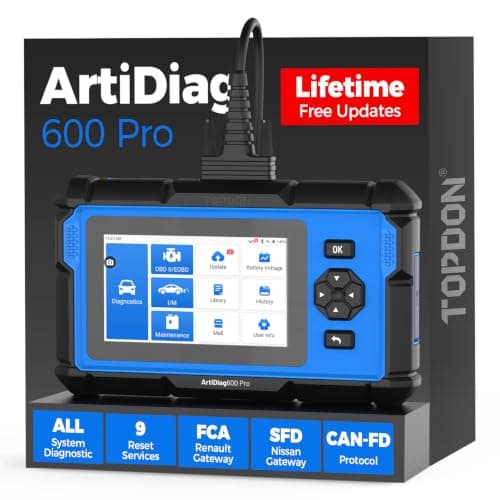
TOPDON ArtiDiag600 Pro: all systems, 9 services
See price on AmazonSee it on Amazon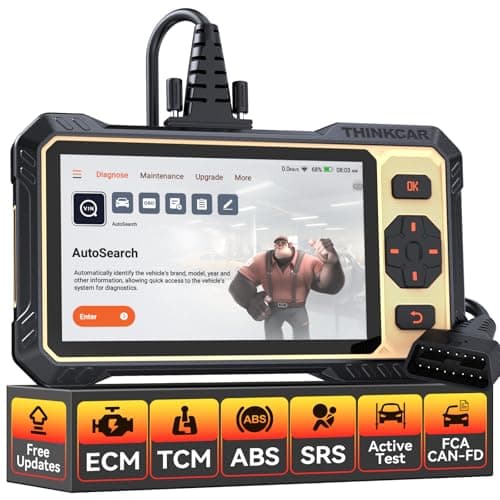
THINKCAR THINKSCAN 662: active tests under $200
See price on AmazonSee it on Amazon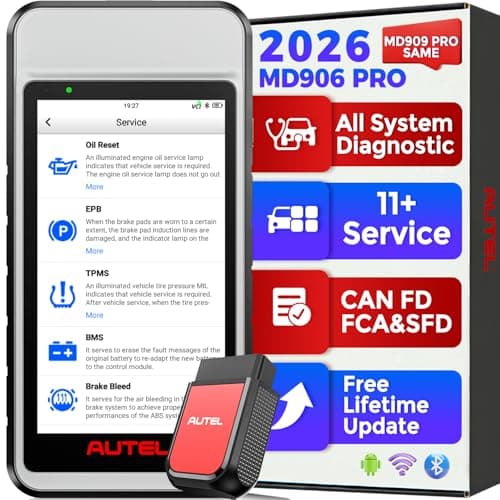
Autel MaxiDiag MD906 PRO: all systems, 11 services
See price on AmazonSee it on Amazon
This guide is for car owners who just bought a scan tool, or borrowed one, and want to use it without guessing. It walks through finding the port, connecting, reading stored and pending codes, saving freeze frame data, and checking readiness monitors. It also covers the habits that keep you from making a problem worse, like clearing a code before you know what set it. The steps apply to any 1996 or newer car or light truck sold in the US, from a basic code reader up to a full bidirectional tablet.
What you need before you start
Every gasoline car and light truck sold in the US from the 1996 model year on has an OBD2 system and a standard 16-pin diagnostic connector. Any OBD2 scanner can talk to it and read generic powertrain codes. More capable tools add manufacturer codes, ABS and airbag systems, live data graphs, and service functions.
You need the scanner, a charged car battery, and a notepad or phone to record what you see. If your tool is a Bluetooth dongle, install its app and pair it before you start. A weak battery can cause connection drops and odd codes, so if the car has been cranking slowly, charge it first.
- An OBD2 scanner or code reader (cabled, Bluetooth, or tablet)
- The vehicle's ignition key or push-button start
- A way to record codes, freeze frame, and monitor status
- Optional: the service information for your vehicle
Step by step: connect and read codes
The basic sequence is the same on nearly every tool. Menus are named differently by brand, but you will always find a read codes or diagnose option for the engine. If you are not sure where the port is, see where is the OBD2 port.
- Pin 4
- Chassis ground
- Pin 5
- Signal ground
- Pin 6
- CAN high
- Pin 14
- CAN low
- Pin 16
- Battery +12 V
- 1
Park on level ground, set the parking brake, and turn the ignition off.
- 2
Find the 16-pin OBD2 port, usually under the dash on the driver side near the steering column.
- 3
Plug in the scanner firmly. The connector only fits one way.
- 4
Turn the ignition to on without starting the engine, or start the engine if your tool's instructions say so.
- 5
Wait for the scanner to power up and link with the car. Some tools ask you to enter or confirm the VIN.
- 6
Select the engine or powertrain module and choose read codes.
- 7
Write down every code, including whether it is stored, pending, or permanent.
- 8
Open freeze frame data for the main code and record it.
- 9
Check the readiness monitor status.
- 10
Exit the menus and turn the ignition off before unplugging the tool.
Note.Do not drive while reading menus on a handheld tool. If you need live data while driving, have a passenger watch the screen or use a tool that records.
How to read what the scanner shows you
A trouble code has five characters. The first letter is the system: P for powertrain, B for body, C for chassis, and U for network communication. The second character tells you whether it is a generic SAE code (0) or a manufacturer-specific code (1 on most systems). The last three characters point to the specific circuit or fault. You can look up any code with our code decoder.
A code tells you what the computer saw, not which part to replace. For example, P0420 means catalyst efficiency below threshold on bank 1. A worn converter is a common cause, but exhaust leaks or a faulty oxygen sensor can set the same code. Use the code as the starting point for diagnosis.
P powertrain, B body, C chassis, U network
0 generic (same on every car), 1 set by the maker
For P codes: 4 means auxiliary emission controls
The exact fault: here, catalyst efficiency, bank 1
| Status | What it means | What to do |
|---|---|---|
| Stored (confirmed) | Fault confirmed; usually turns on the check engine light | Diagnose and repair |
| Pending | Fault seen once; not confirmed yet | Note it and watch for it to return |
| Permanent | Cannot be cleared with a scanner; clears itself after the fix is verified | Repair, then drive normally |
Use freeze frame and live data
Freeze frame is a snapshot of sensor values at the moment a code set: engine speed, load, coolant temperature, vehicle speed, and fuel trims. It tells you whether the fault happened cold or warm, at idle or on the highway. Read more in freeze frame data explained.
Live data shows the same kinds of values in real time. For lean or rich codes, look at short and long term fuel trims; our fuel trim reader helps you interpret them. For misfire codes like P0300, many scanners show misfire counts per cylinder, which helps narrow the problem to one cylinder or the whole engine.
Check readiness monitors before an inspection
Readiness monitors are self-tests the car runs on its emission systems. Your scanner shows each one as complete, incomplete, or not supported. Many state emissions tests check these monitors, and too many incomplete monitors can fail the test even with no check engine light. See readiness monitors explained for the details.
Clearing codes or disconnecting the battery resets the monitors to incomplete. That is why you should read monitor status before you clear anything, and why a quick clear right before an inspection usually does not work.
Continuous
Run all the time while the engine runs
- Misfire
- Fuel system
- Comprehensive components
Non-continuous
Run once per trip when conditions are right
- Catalyst
- Heated catalyst
- Evaporative system (EVAP)
- Secondary air
- Oxygen sensor
- Oxygen sensor heater
- EGR and VVT
When to clear codes, and when not to
Clear codes only after you have recorded them and fixed the cause. Clearing erases freeze frame data, resets monitors, and turns off the light, but it does not fix anything. If the fault is still there, the code comes back. Our guide on how to clear a check engine light covers the right order.
If the check engine light is flashing, do not keep driving and do not just clear the code. A flashing light usually means a misfire severe enough to damage the catalytic converter. See can you drive with the check engine light on.
Common problems connecting a scanner
If the scanner powers up but will not link, check that the ignition is on, the connector is fully seated, and the cigarette lighter or accessory fuse is good, since pin 16 power often shares that circuit. A dead or low battery can also block communication. Our no-link fix guide covers more causes.
If a basic reader connects but shows no ABS or airbag data, that is normal. Generic OBD2 only covers emissions-related powertrain data. Reading other systems takes a tool with that coverage for your make; see scanners for ABS and SRS.
Frequently asked questions
Do I start the car to use an OBD2 scanner? Most tools only need the ignition in the on position to read codes. Live data and some tests need the engine running. Follow the instructions for your scanner.
Can an OBD2 scanner damage my car? Reading codes and data is passive and safe. Service functions and bidirectional tests command parts to move, so follow the on-screen conditions for those tests and do not run them while driving.
Can I leave the scanner plugged in? A small Bluetooth dongle can stay in, but some draw a little power with the car off. If the car sits for long periods, unplug it to protect the battery.
What is the difference between a code reader and a scanner? A code reader reads and clears codes. A scanner adds live data, freeze frame, monitors, and often more systems. See OBD2 scanner vs code reader.
What you need for this
- See price on AmazonAmazon
TOPDON ArtiDiag600 Pro: all systems, 9 services
From Best OBD2 scanners for DIY mechanics who fix their own cars
 See price on AmazonAmazon
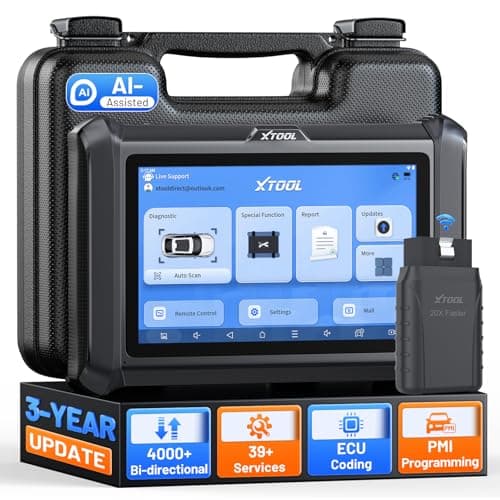
XTOOL D7W: WiFi VCI, 4000+ active tests
 See price on AmazonAmazon
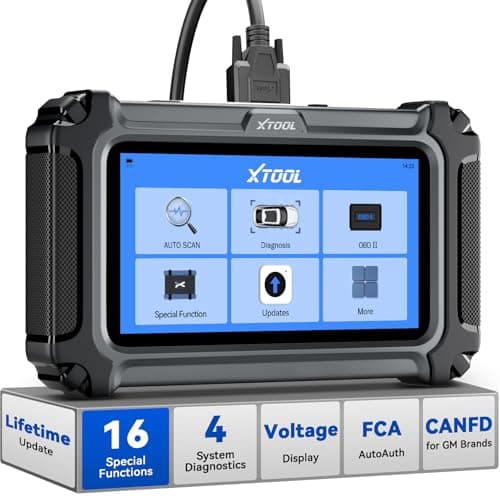
XTOOL D5S: 4 systems and 16 resets