How-to
How to clear a check engine light the right way
Published
Short answer
The right way to clear a check engine light is to read and record the codes with an OBD2 scanner, fix what caused them, then use the scanner's erase or clear codes function with the ignition on. The light goes off, but it comes back if the fault is still there, and your readiness monitors reset until you drive enough to complete them.
Tools for this job
All 7 picks compared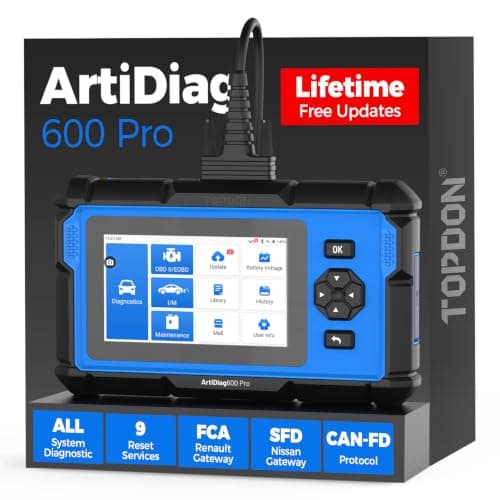
TOPDON ArtiDiag600 Pro: all systems, 9 services
See price on AmazonSee it on Amazon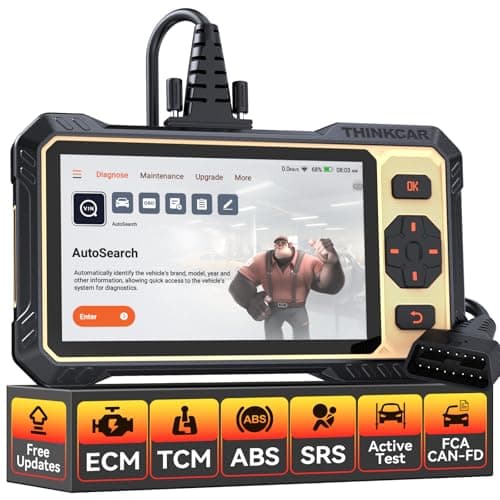
THINKCAR THINKSCAN 662: active tests under $200
See price on AmazonSee it on Amazon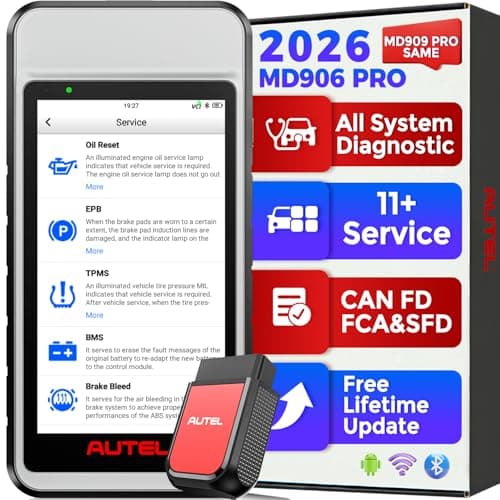
Autel MaxiDiag MD906 PRO: all systems, 11 services
See price on AmazonSee it on Amazon
This page is for drivers who want the check engine light off and want it to stay off. Clearing the light is easy. Making the reset stick is the real job. We cover the order that works: read, record, diagnose, repair, clear, and verify. We also explain why disconnecting the battery is a poor substitute, what permanent codes are, and why clearing codes right before an emissions test usually backfires.
Why clearing the code is the last step, not the first
The check engine light is a message from the engine computer that it saw a fault. Clearing it with a scanner erases the stored codes, deletes the freeze frame snapshot, and resets the readiness monitors. None of that changes the car. If the fault is still present, the computer will detect it again and the light returns, sometimes on the same drive.
Clearing first also throws away the most useful clue you had. Freeze frame data shows the conditions when the code set, which often points straight at the cause. Always record codes and freeze frame before you touch the clear button. See freeze frame data explained.
Step by step: clear codes with an OBD2 scanner
Any OBD2 scanner or code reader can clear generic engine codes. Menu names vary, but look for erase codes, clear DTCs, or reset MIL. If you are new to scan tools, start with how to use an OBD2 scanner.
- 1
With the ignition off, plug the scanner into the OBD2 port under the dash.
- 2
Turn the ignition to on with the engine off, unless your tool says otherwise.
- 3
Read all codes and write them down with their status (stored, pending, permanent).
- 4
Save or photograph the freeze frame data.
- 5
Diagnose and repair the cause of each code.
- 6
Return to the scanner and choose erase or clear codes. Confirm when asked.
- 7
Turn the ignition off, wait a few seconds, then start the engine and confirm the light is off.
- 8
Read codes again to make sure nothing returned immediately.
Fixes that clear the light on their own
Some faults turn the light off without a scanner once they are fixed. After the computer runs its self-test and sees no fault for several consecutive drive cycles, it turns off the light on its own. The code history usually stays in memory for a while after that.
The classic example is a loose gas cap. After a fill-up, a cap that was not tightened can set an EVAP leak code such as P0456 or P0455. Tighten the cap until it clicks, and the light often goes out after a few days of normal driving. See check engine light after getting gas.
| Situation | Will the light go off by itself? | Good practice |
|---|---|---|
| Loose gas cap, small EVAP leak code | Often, after several drive cycles | Tighten cap, wait, or clear after fixing |
| Misfire code after coil or plug replacement | Often, once the misfire monitor passes | Clear and verify with misfire counts |
| Catalyst code like P0420 | Only if the cause is truly fixed | Find root cause before replacing parts |
| Flashing check engine light | No; fault is active | Stop driving and diagnose |
What about disconnecting the battery?
Disconnecting the battery clears codes on many vehicles, but it is a blunt tool. It erases learned values such as idle and transmission adaptations, may reset radio presets and window settings, and on some newer cars it can require relearn or battery registration steps afterward. See battery registration after replacement.
It also does not erase permanent codes, and it resets readiness monitors exactly like a scanner does. A basic scanner is a cleaner, safer way to clear codes, and it tells you what the codes were first.
Note.On some vehicles, disconnecting the battery can affect security systems, airbag modules, or electronic throttle learning. Check the service information for your vehicle before you do it.
Readiness monitors and emissions tests
When you clear codes, every readiness monitor goes back to incomplete. Many state inspection programs check monitor status through the OBD2 port, and a car with too many incomplete monitors is often rejected or failed even with the light off. Testers can tell that codes were recently cleared.
After a repair, drive normally for several days, including some steady highway driving and a cold start, so the monitors can complete. Our guide to drive cycles after clearing codes covers this, and readiness monitors explained shows what each monitor does.
Continuous
Run all the time while the engine runs
- Misfire
- Fuel system
- Comprehensive components
Non-continuous
Run once per trip when conditions are right
- Catalyst
- Heated catalyst
- Evaporative system (EVAP)
- Secondary air
- Oxygen sensor
- Oxygen sensor heater
- EGR and VVT
Permanent codes and why some codes will not clear
Cars from roughly the 2010 model year on store permanent DTCs. A scanner cannot erase them. They clear themselves only after the computer runs the related self-test and confirms the problem is gone. If your scanner shows a permanent code after you cleared everything else, that is normal. Drive the car and let the monitor run.
If a code comes back right after you clear it, the fault is still present. Go back to diagnosis. Use the code decoder to look up the meaning, then check the related article, such as P0420 or P0300.
Frequently asked questions
Will AutoZone or a parts store clear my check engine light? Many parts stores will read codes for free. Policies on clearing codes vary by store and state, so ask. Reading and recording the codes is the useful part.
How long does it take for the light to go off after a fix? If you clear it with a scanner, it goes off right away. If you wait for the car to do it, it usually takes several drive cycles without the fault.
Can I pass inspection right after clearing codes? Usually not. Monitors will be incomplete. Drive for several days first and check monitor status with your scanner before the test.
Does clearing codes hurt the car? No. It only erases stored data and resets monitors. The risk is ignoring a real fault that will return.
What you need for this
- See price on AmazonAmazon
TOPDON ArtiDiag600 Pro: all systems, 9 services
From Best OBD2 scanners for DIY mechanics who fix their own cars
 See price on AmazonAmazon
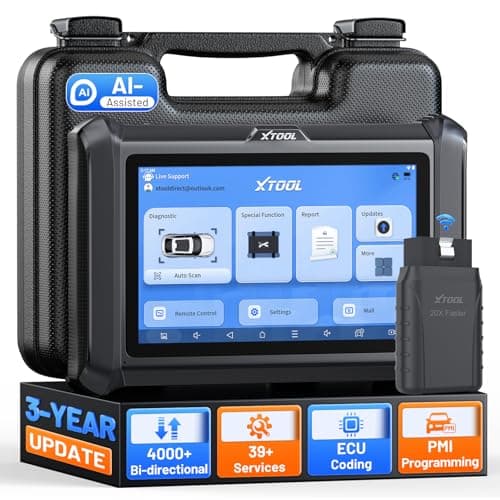
XTOOL D7W: WiFi VCI, 4000+ active tests
 See price on AmazonAmazon
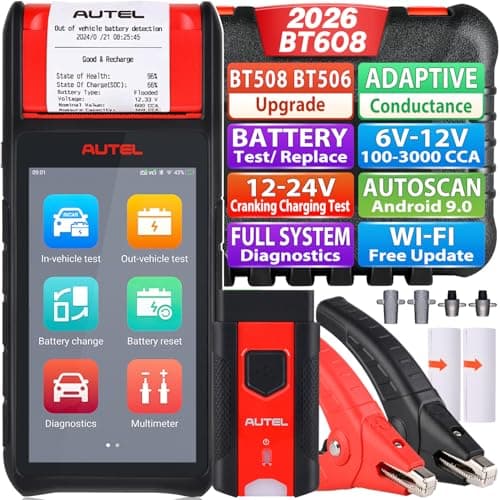
Autel BT608 (E): 100-3000 CCA plus full-system scan