Fix
OBD2 scanner says no link or won't connect: what to check
Published
Short answer
A no link or link error message means the scanner powered up but could not talk to the engine computer. The usual causes are the ignition not being on, a blown fuse feeding the OBD2 port (often shared with the cigarette lighter or power outlet), bent or dirty port pins, low battery voltage, a scanner that does not support the vehicle protocol, or a Bluetooth adapter not paired to the app.
Tools for this job
All 7 picks compared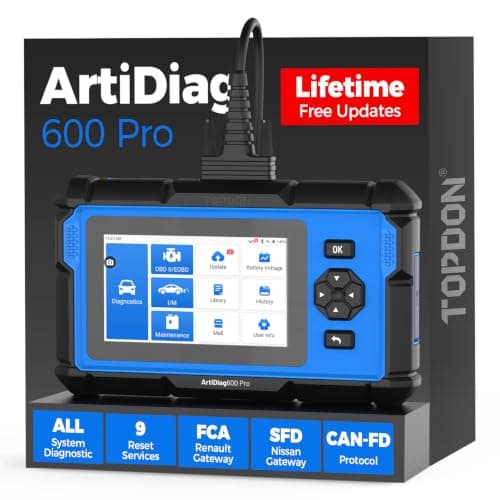
TOPDON ArtiDiag600 Pro: all systems, 9 services
See price on AmazonSee it on Amazon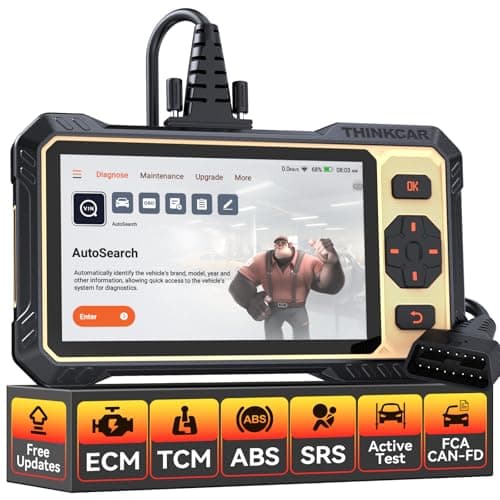
THINKCAR THINKSCAN 662: active tests under $200
See price on AmazonSee it on Amazon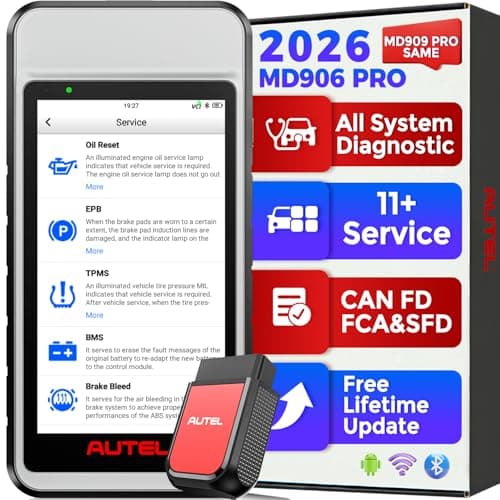
Autel MaxiDiag MD906 PRO: all systems, 11 services
See price on AmazonSee it on Amazon
This page is for anyone who plugged in a scan tool and got no link, linking error, unable to connect, or a blank screen. Most of the time the fix is simple and free. Below is the checking order a technician would use, from the most basic step to the less common problems such as a faulty module pulling down the data line. Work through it in order and you will usually find the cause in a few minutes.
What no link actually means
The OBD2 port has pins for constant battery power (pin 16), ground (pins 4 and 5) and data lines for the communication protocols. If the scanner screen lights up, power and ground are usually fine. No link means the tool sent a request and got no answer from the engine computer.
If the scanner does not power on at all, the problem is power or ground: a blown fuse, a broken wire or a damaged pin. If it powers on but says no link, look at ignition, protocol, data pins and the vehicle network.
- Pin 4
- Chassis ground
- Pin 5
- Signal ground
- Pin 6
- CAN high
- Pin 14
- CAN low
- Pin 16
- Battery +12 V
Quick checks, in order
- 1
Turn the ignition to on (dash lights lit). Many cars will not answer with the key off. Try with the engine running too.
- 2
Unplug and firmly reseat the connector. Some ports are loose or sit at an angle.
- 3
Check that you selected the right vehicle or let the tool auto detect. A wrong make selection can fail to link.
- 4
Look into the port with a flashlight for bent, pushed in, corroded or missing pins.
- 5
Test the cigarette lighter or power outlet. If it is dead, check the fuse that feeds it, which often feeds the OBD2 port too.
- 6
Check battery voltage. A weak battery can drop below what the computer needs to respond.
- 7
Try the scanner on another car. If it fails there too, the tool, cable or app is the problem.
Note.Check the owner's manual or fuse box lid to find the right fuse. Replace a fuse only with the same rating.
Protocol and vehicle compatibility
OBD2 cars use one of several protocols: SAE J1850 PWM (older Ford), J1850 VPW (older GM), ISO 9141-2, ISO 14230 KWP2000, and CAN (ISO 15765). US vehicles from the 2008 model year onward are required to use CAN. Most scanners sold today support all five, but some very cheap adapters do not handle the older J1850 protocols well.
If your car is pre 1996, it is likely OBD1 and a standard OBD2 scanner will not link at all. See OBD1 vs OBD2 to check. Some 1994 and 1995 vehicles have an OBD2 style port but only partial OBD2 support. Diesel trucks over 8,500 pounds GVWR can also differ in earlier years. Check the emissions label under the hood, which usually states OBD II compliance.
Bluetooth and Wi-Fi adapter problems
Wireless adapters add a second link that can fail. The adapter must power on, pair with your phone, and connect inside the app, not just in the phone's Bluetooth settings.
- Confirm the adapter light turns on when plugged in.
- Pair it the way the app instructions say. Some adapters pair inside the app only.
- Close other apps that might already be connected to the adapter.
- Turn the phone Bluetooth off and on, or forget the device and pair again.
- For Wi-Fi adapters, join the adapter network and allow the app to use it.
- Update the app and the adapter firmware if available.
Deeper causes: wiring and modules
If the basic checks pass and the scanner works on other cars, the problem is in the vehicle. A shorted module or damaged wire on a CAN network can pull the data lines down so no module answers. Aftermarket devices such as remote starters, alarms or insurance trackers spliced into the port wiring are a common cause. Unplug them and try again.
Other signs of a network problem include several warning lights at once, gauges dropping out, or U codes such as U0100 and U0001 when you can read other modules. Checking network resistance and voltages at the port takes a multimeter and the wiring diagram for your vehicle. If you are not comfortable with that, a shop can trace it.
When the scanner is the problem
Cables break inside, pins in the scanner plug get damaged, and software can need an update. If the tool fails on more than one car, inspect the cable and plug, update the firmware, and contact the maker's support. Some tools need a vehicle software license or active update subscription for full system access, though basic engine code reading usually works without it. See scan tool updates and subscriptions.
If your current tool is limited, our guide to the best OBD2 scanners for DIY mechanics covers tools with broad protocol support and good update policies.
Frequently asked questions
Why does my OBD2 scanner say no link? The tool has power but the engine computer did not answer. The most common reasons are the key not in the on position, a wrong vehicle selection, damaged port pins, low battery voltage or an unsupported protocol.
Which fuse powers the OBD2 port? It varies by vehicle. It is often shared with the cigarette lighter or accessory outlet. Check the fuse box diagram in your owner's manual.
Will an OBD2 scanner work on a 1995 car? Only if the car is OBD2 compliant. Some 1994 and 1995 models are, many are not. The underhood emissions label usually says.
My scanner connects to the engine but not ABS. Why? Basic readers only talk to the engine and transmission emissions data. Reading ABS or airbag modules needs a scanner that supports those systems for your make.
What you need for this
- See price on AmazonAmazon
TOPDON ArtiDiag600 Pro: all systems, 9 services
From Best OBD2 scanners for DIY mechanics who fix their own cars
 See price on AmazonAmazon
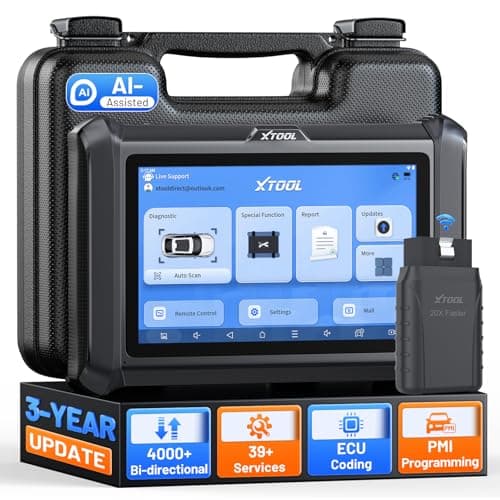
XTOOL D7W: WiFi VCI, 4000+ active tests
 See price on AmazonAmazon
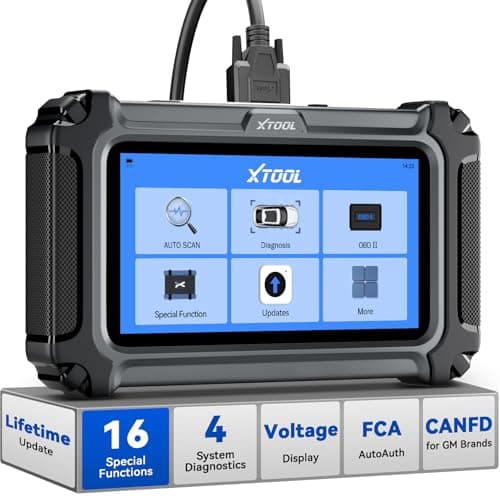
XTOOL D5S: 4 systems and 16 resets