Explainer
Scan tool updates and subscriptions: what you pay after year one
Published
Short answer
It depends on the brand and the exact model. Some scan tools include free software updates for life, while many mid-range and pro tools include a set update period and then offer a paid renewal. On many tools the scanner keeps working with its last installed software when updates lapse. Check the current listing and the maker's terms for your exact model before you buy.
Tools for this job
All 8 picks compared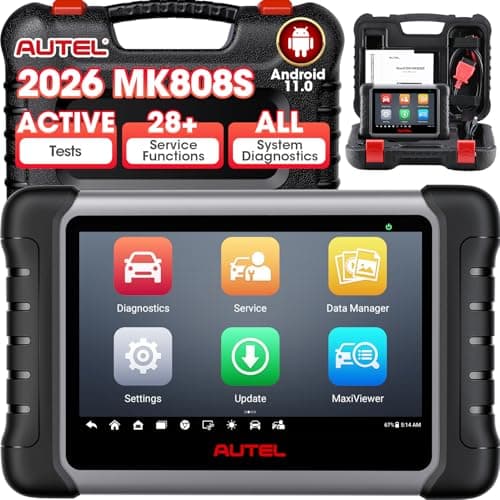
MaxiCOM MK808S: bidirectional, 28+ services
See price on AmazonSee it on Amazon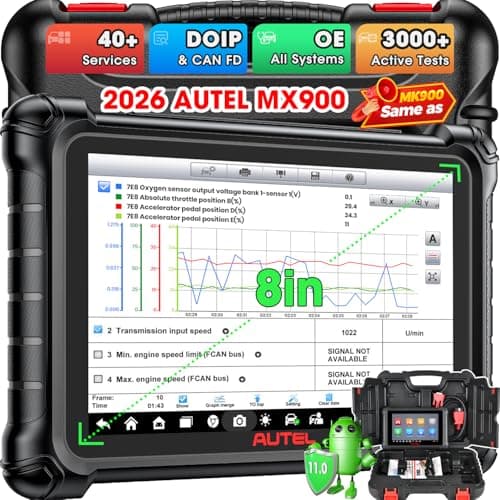
MaxiCheck MX900: 3000+ tests, 40+ services, CAN FD
See price on AmazonSee it on Amazon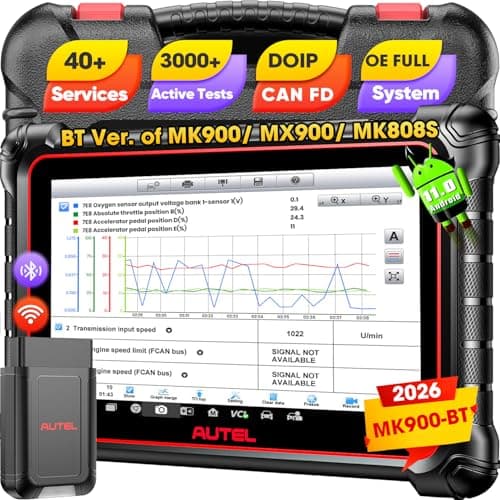
MaxiCOM MK900BT: wireless V150 VCI, 40+ services
See price on AmazonSee it on Amazon
Scan tool prices on a listing are only part of the cost of ownership. Many tools, especially bidirectional and pro tablets, depend on software updates for new vehicle coverage and bug fixes. This page explains what updates actually add, the common ways makers structure them, what usually happens when an update period ends, how to update a typical tool, and the questions to ask before buying. We do not quote prices or terms here because they differ by model and change over time.
Why scan tools need updates
A scan tool's abilities live in software. Each vehicle make has its own module protocols, code definitions, and service procedures, and new model years add more. Updates add coverage for newer vehicles, fix bugs, add service functions, and sometimes improve the app or interface.
Generic OBD2 functions, like reading and clearing engine codes and viewing readiness monitors, follow a standard that does not change much. A basic code reader can be useful for years without updates. Tools that read ABS, airbag, and body modules, or run bidirectional tests, depend far more on current software.
Common update models
Makers use a few different approaches, and a single brand often uses different terms on different models. Treat this table as a guide to the questions to ask, not as a description of any specific product.
| Approach | What it usually means | What to check |
|---|---|---|
| Lifetime free updates | Software updates included with no renewal fee | Which functions and makes are included |
| Included period, then renewal | Updates free for a set time, then optional paid renewal | Length of the period and renewal terms |
| Per-make or add-on software | Extra vehicle brands or functions bought separately | Which makes come with the tool |
| Online-only functions | Some features need an active account or subscription | Which features stop if updates lapse |
Note.Update terms, renewal prices, and included coverage differ by brand and model and can change. Always check the current product listing and the maker's official terms for your exact model.
Do Autel scanners require a subscription?
Autel, like Launch, Topdon, XTOOL, and Foxwell, offers different terms on different models. Some entry and mid-range models are sold with free updates, while many tablets and higher-end tools come with an included update period and an optional renewal after that. Because the terms vary by model and can change, the only reliable answer is the current listing and Autel's own information for the model you are considering.
When you compare two tools, compare update terms side by side along with features. A tool with a lower purchase price and a short update period may cost more over several years than one with longer included updates, depending on how much you value new coverage. Our brand guides help you narrow the field: Autel, Launch, Topdon, and XTOOL.
What happens when updates expire
On many tools, the scanner continues to work with the software that was installed when the update period ended. You simply stop receiving new vehicle coverage and fixes. If your cars are already covered, that may be fine for years.
On some tools, certain functions rely on online access or an active subscription and may stop working without it. Some makers also tie features to registration. Confirm with the maker which functions keep working after the update period ends for your specific model before you rely on them.
- Will the tool keep working on my current cars without renewal?
- Which functions, if any, need an active subscription?
- How long are updates included, and from what date?
- Is renewal optional, and can I renew later?
- Are extra vehicle makes included or sold separately?
How to update a typical scan tool
The exact process depends on the tool. Tablets usually update over Wi-Fi from a built-in update menu. Some handheld tools update by connecting to a Windows PC with the maker's update utility. Bluetooth dongles usually update through the phone app.
- 1
Register the tool with the maker using the serial number, as the instructions describe.
- 2
Charge the tool fully or keep it on its charger during updates.
- 3
Connect to a stable Wi-Fi network, or install the maker's PC software if your model needs it.
- 4
Open the update menu and download updates for the makes you work on, not necessarily every make.
- 5
Do not unplug or power off the tool during an update.
- 6
Restart the tool and confirm the software version changed.
Note.Only download update software from the maker's official site or app. Files from third-party sources can carry malware or damage the tool.
How to choose with updates in mind
Start with what you need. If you only read and clear engine codes on an older car, update terms matter little. See how to use an OBD2 scanner and our DIY scanner guide. If you want ABS, airbag, and service resets on a newer car, update terms matter more. If you plan to buy newer vehicles, check that the tool's coverage keeps up.
For the newest vehicles, also check whether your make uses secure gateway access, which may require an account with the tool maker. Check the listing and the maker's coverage list for your vehicle.
Frequently asked questions
Can I use a scan tool after the free updates end? On many models, yes, with the software already installed. Some online features may stop. Check the maker's terms for your model.
Do I need to update before using a new scanner? Usually it is a good idea. The tool may have shipped with older software. Follow the maker's setup steps.
Are updates needed for basic code reading? Rarely. Generic OBD2 code reading is standardized. Updates matter more for advanced systems and newer vehicles.
Where can I find the update terms? On the current product listing and the maker's official website or support page for that model.
What you need for this
- See price on AmazonAmazon
MaxiCOM MK808S: bidirectional, 28+ services
From Best Autel scanners: which MaxiDiag, MaxiCOM, MaxiCheck or MaxiSys to buy
 See price on AmazonAmazon
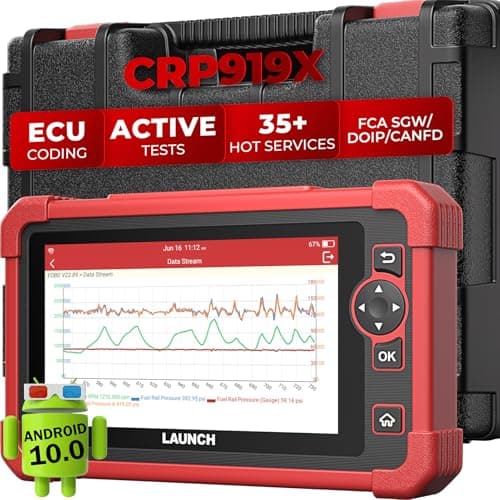
X431 CRP919X: wired coding tool with 4000+ tests
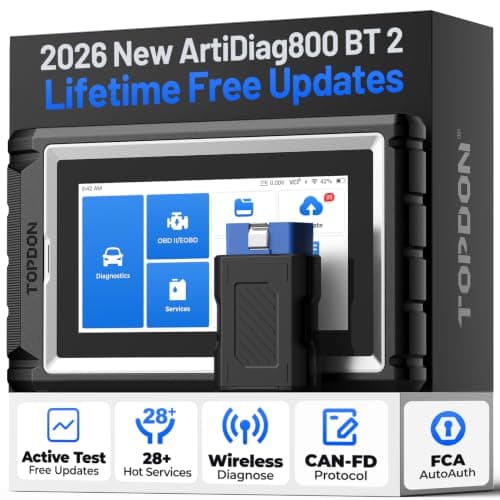 See price on AmazonAmazon
Topdon AD800BT 2: bidirectional, 28 resets, lifetime updates
From Best Topdon scanners: ArtiDiag, AD and Phoenix lines compared
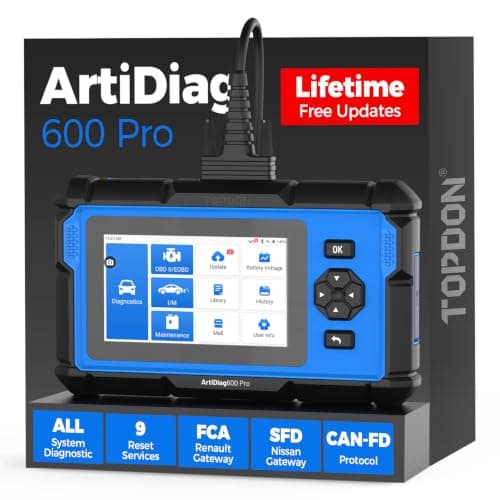 See price on AmazonAmazon
TOPDON ArtiDiag600 Pro: all systems, 9 services
From Best OBD2 scanners for DIY mechanics who fix their own cars