How-to
How to read OBD2 codes and what each character means
Published
Short answer
An OBD2 code has five characters. The first letter names the system (P powertrain, B body, C chassis, U network). The first digit says whether the code is generic (0) or manufacturer specific (1), the next digit names the subsystem, and the last two digits point to the exact fault. P0420, for example, is a generic powertrain code for catalyst efficiency below threshold on bank 1.
Tools for this job
All 7 picks compared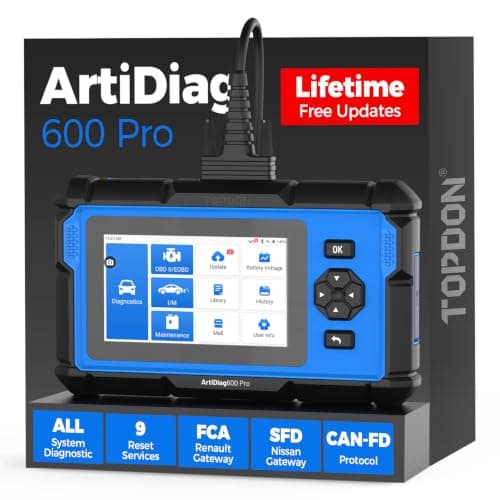
TOPDON ArtiDiag600 Pro: all systems, 9 services
See price on AmazonSee it on Amazon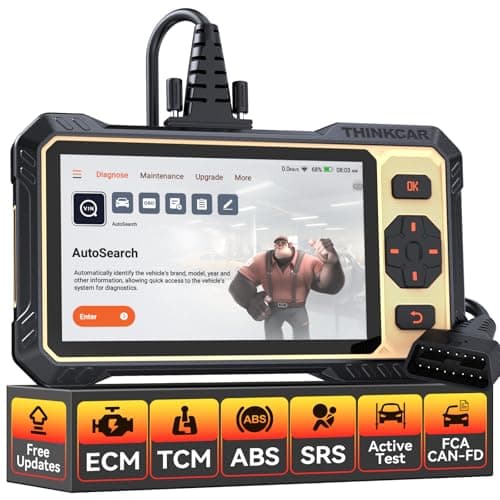
THINKCAR THINKSCAN 662: active tests under $200
See price on AmazonSee it on Amazon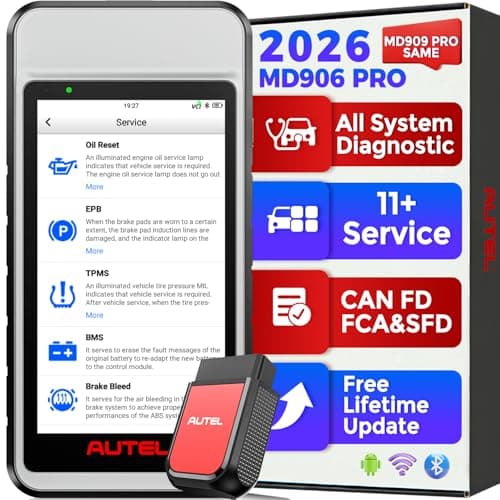
Autel MaxiDiag MD906 PRO: all systems, 11 services
See price on AmazonSee it on Amazon
This page is for DIY owners who plugged in a scanner, got a string like P0171 or U0100, and want to know what it actually says. It walks through how to pull codes, how the five characters are built under the SAE J2012 standard, what pending, stored and permanent codes mean, and how to turn a code into a short list of likely causes. If you just want the meaning of one code fast, paste it into the OBD2 code decoder and come back here to understand the structure behind it.
Step 1: pull the codes from the car
Every gasoline car and light truck sold in the US since the 1996 model year has a 16-pin OBD2 port, usually under the dash on the driver side. Plug a scan tool into that port, turn the key to on (or start the engine), and let the tool connect. If you have never done this, the step by step scanner guide and the OBD2 port location guide cover the details.
- 1
Find the OBD2 port under the dash and plug in the scanner firmly.
- 2
Turn the ignition to on. Many tools also work with the engine running.
- 3
Let the tool read the vehicle ID or choose the make and model if asked.
- 4
Open the read codes or DTC menu and write down every code, including pending ones.
- 5
Save or photograph the freeze frame data before you clear anything.
Note.Do not clear codes before you write them down. Clearing erases the freeze frame snapshot and resets readiness monitors, which you may need later.
Step 2: read the five characters
OBD2 trouble codes follow the SAE J2012 format. Each position has a job, so you can tell a lot about a code before you ever look it up.
The first character is a letter for the system. P is powertrain (engine, transmission, emissions). B is body (airbags, seats, lighting). C is chassis (ABS, steering, suspension). U is network communication between modules.
The second character is a digit. 0 means a generic code defined by SAE that means the same thing on every make. 1 means a manufacturer specific code, so the same number can mean different things on a Ford and a Toyota. For P codes, 2 is mostly generic and 3 is a mix of generic and manufacturer ranges.
The third character names the subsystem. For powertrain codes, the common groups are listed in the table below. The last two characters identify the specific fault inside that subsystem.
P powertrain, B body, C chassis, U network
0 generic (same on every car), 1 set by the maker
For P codes: 4 means auxiliary emission controls
The exact fault: here, catalyst efficiency, bank 1
| Digit | Subsystem | Example |
|---|---|---|
| 1 | Fuel and air metering | P0171 system too lean bank 1 |
| 2 | Fuel and air metering (injector circuit) | P0201 injector circuit cylinder 1 |
| 3 | Ignition system or misfire | P0300 random misfire |
| 4 | Auxiliary emission controls | P0420 catalyst efficiency, P0455 EVAP large leak |
| 5 | Vehicle speed, idle control | P0505 idle air control system |
| 6 | Computer and output circuits | P0606 control module processor |
| 7, 8, 9 | Transmission | P0705 range sensor circuit |
Step 3: look up the exact meaning
Once you know the structure, look up the full definition. Generic P0 codes have the same meaning on every vehicle, so a general code list works. Manufacturer codes (P1, B1, C1, U1 and so on) need a make specific source. A good scan tool shows the definition on screen, and our code decoder breaks any code into its parts and links to a full write up when one exists.
Read the whole definition, not just the short label. P0171 says system too lean on bank 1. That tells you the engine computer added fuel to correct a lean mixture and hit its limit. It does not say a part is bad. It says what the computer observed. Most codes work this way: they describe a symptom the computer measured, and you diagnose why.
Our most common code pages walk through causes in order: P0420 catalyst efficiency, P0171 system too lean, P0300 random misfire and P0455 EVAP large leak.
Pending, stored and permanent codes
Scanners often show codes in separate lists. Knowing the difference helps you decide what to do next.
- Pending codes are faults the computer saw once but has not confirmed. Many two trip faults set a pending code first. If the fault shows up again on the next qualifying drive, it becomes stored and the light comes on.
- Stored or confirmed codes are the ones that turned on the check engine light. These are what most people mean by a code.
- Permanent codes were added for 2010 and newer vehicles. They cannot be erased with a scan tool. The car clears them itself after it confirms the repair by running the related monitor and passing.
Note.A pending code with no light is an early warning. It is worth reading and watching, especially before an inspection.
Use freeze frame data to add context
When a code sets, the computer stores a freeze frame: a snapshot of engine speed, load, coolant temperature, vehicle speed, fuel trims and more at the moment of the fault. This tells you whether the problem happened cold or warm, at idle or on the highway. A lean code that only sets at idle points toward a vacuum leak. One that sets under heavy load points more toward fuel delivery. The freeze frame guide explains each field.
Live data adds even more. Watching fuel trims, oxygen sensor readings and misfire counters while the engine runs is how you go from a code to a confirmed cause.
Turn the code into a repair plan
A code points to a system, not a part. The standard approach is to check the cheapest and most likely causes first, confirm with data, and only then replace parts.
- 1
Write down all codes and freeze frame data.
- 2
Fix the earliest or most basic code first. A misfire or lean code can cause a catalyst code later, so treat the root cause.
- 3
Inspect the obvious: loose gas cap, cracked vacuum hoses, unplugged connectors, damaged wiring.
- 4
Check for technical service bulletins for your vehicle and code.
- 5
Use live data to confirm the fault before buying parts.
- 6
After the repair, clear the code and complete a drive cycle so the monitors can rerun.
Which scanner you need to read codes
A basic code reader pulls generic engine codes and clears them. That covers the check engine light. To read ABS, airbag, transmission or body codes you need a tool that talks to those modules, which most basic readers cannot do. The scanner vs code reader comparison explains the difference.
If you work on your own cars often, a scanner with live data, freeze frame, and access to all modules saves time. Our guide to the best OBD2 scanners for DIY mechanics covers good options, and the ABS and SRS scanner guide covers tools that read beyond the engine.
Frequently asked questions
Is there a full OBD2 codes list? Generic codes are defined in SAE J2012 and are the same on every vehicle. Manufacturer specific codes vary by make, so no single list covers them all. Use a scanner with built in definitions or our code decoder for any code.
What does a code mean if the first digit is 1? It is a manufacturer specific code. The same number can mean different things on different makes, so look it up for your exact vehicle.
Can I read codes without a scanner? Some older vehicles flash codes through the dash, but on OBD2 cars you need a scan tool. Many auto parts stores in the US will read codes for free.
Does reading codes erase them? No. Reading only displays them. Codes and freeze frame are erased only when you choose clear codes, disconnect the battery on many cars, or the computer clears them itself after enough good drives.
What you need for this
- See price on AmazonAmazon
TOPDON ArtiDiag600 Pro: all systems, 9 services
From Best OBD2 scanners for DIY mechanics who fix their own cars
 See price on AmazonAmazon
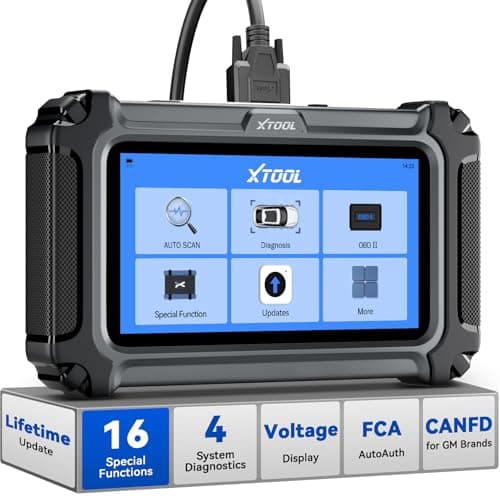
XTOOL D5S: 4 systems and 16 resets
 See price on AmazonAmazon
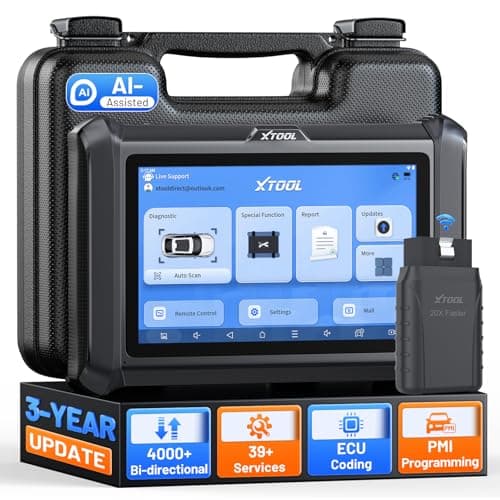
XTOOL D7W: WiFi VCI, 4000+ active tests