Comparison
Launch X431 PRO Elite vs Autel MS906 Pro
Published
Short answer
Both are pro level tablets with full system diagnostics, 3000+ active tests and ECU coding. The Launch X431 PRO3 V+ Elite adds a J2534 pass-thru interface, topology mapping, a 10.1 inch screen and 60+ listed services. The Autel MS906 Pro has a smaller 8 inch screen but more storage and Autel's advanced coding and PMI functions. Pick Launch if J2534 matters to you, Autel if you prefer the MaxiSys software.
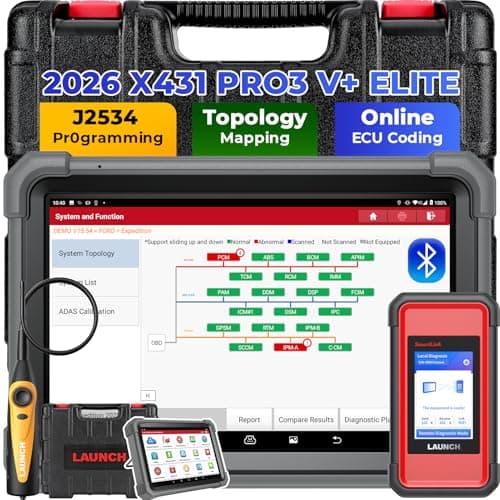
LAUNCH
Launch X431 PRO3 V+ Elite: J2534 and 10.1 in Gorilla Glass
See price on Amazon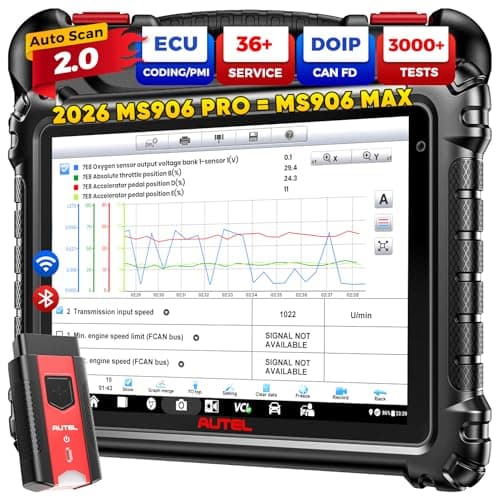
Autel
MaxiSys MS906 PRO: ECU coding, 36+ services
See price on Amazon
- Launch X431 PRO3 V+ Elite: J2534 and 10.1 in Gorilla Glass
- Service functions
- 60+
- MaxiSys MS906 PRO: ECU coding, 36+ services
- Service functions
- 36+
| Pick | Service functions | Price | Link |
|---|---|---|---|
| Launch X431 PRO3 V+ Elite: J2534 and 10.1 in Gorilla Glass | 60+ | - | Amazon |
| MaxiSys MS906 PRO: ECU coding, 36+ services | 36+ | - | Amazon |
Facts are taken from each Amazon listing. Prices are checked daily and shown with their date.
Verdict
Choose the Launch X431 PRO3 V+ Elite if you want J2534 pass-thru programming, a 10.1 inch screen, topology mapping and 60+ listed services. Choose the Autel MS906 Pro if you prefer MaxiSys software with built in advanced coding and PMI and do not need J2534.
This page is for shop owners and serious DIY mechanics choosing between a Launch X431 tablet and Autel's MaxiSys MS906 Pro. The exact X431 PRO Elite is not one of the listings in our guides, so we compare the closest listed Launch model, the X431 PRO3 V+ Elite with the SmartLink C 2.0 interface. We line up what each Amazon listing says about coding, J2534 programming, service functions, active tests, screen and battery, then explain who each tool suits. We only use listing facts, and anything a listing does not state is marked Not stated.
How these two tablets differ
On paper the two tools cover the same core jobs. Both listings describe all system OE level diagnostics, 3000+ bidirectional active tests, ECU coding, and support for the newer CAN FD and DoIP protocols. Either one will read and clear codes from every module it supports, graph live data, and run the common service resets a shop needs every day.
The differences are in the extras. The Launch listing leans on its SmartLink C 2.0 interface, which it says can work as a J2534 pass-thru device, plus topology mapping and a larger 10.1 inch screen with a 6,300mAh battery. The Autel listing leans on MaxiSys software and ECU functions shared with Autel's Ultra and Elite II Pro tablets, an 8-core processor and 128GB of storage.
Spec comparison from the listings
Every row comes from the Amazon listing text for the two products. Service counts vary between listings for the same Autel tool, so we show the range.
| Feature | Launch X431 PRO3 V+ Elite | Autel MS906 Pro |
|---|---|---|
| Listed price | $1,419.00 | $1,369.00 |
| Active tests | 3000+ | 3000+ |
| Service functions | 60+ | 36+ or 40+ (varies by listing) |
| ECU coding | Yes, online or offline | Yes, advanced and online coding, PMI |
| J2534 pass-thru | Yes, via SmartLink C 2.0 (needs OE software) | Not stated |
| Topology map | Yes | Not stated |
| CAN FD and DoIP | Yes | Yes |
| Operating system | Android 10 | Android 10 |
| Screen | 10.1 inch Gorilla Glass | 8 inch, 1920x1200 |
| Memory and storage | 4GB + 64GB | 4GB + 128GB |
| Battery | 6,300mAh, 15+ hours stated | Not stated |
| Wi-Fi | Dual band 2.4 and 5GHz | Not stated |
J2534 and programming
J2534 is the SAE standard that lets a generic interface act as a pass-thru device for automaker programming software. With a J2534 interface, a laptop and a subscription to the automaker's service site, you can reflash modules the same way a dealer does on many makes. The Launch listing says its SmartLink C 2.0 box can serve as a J2534 pass-thru device and notes that it requires OE protocol software. That last part matters: the interface alone does not reprogram anything. You still need the factory software and access for each brand.
The Autel MS906 Pro listing does not mention J2534. It does advertise programming and recoding new ECUs through Autel's own software, which covers many common jobs without a separate OE subscription. If your shop already pays for factory service access, the Launch J2534 capability is a real advantage. If you do not, Autel's built in coding is the more practical path. Our explainer on ECU coding covers the difference between coding and programming.
Note.Module programming can leave a vehicle unable to start if power drops or the process is interrupted. Use a battery maintainer, follow the service information for the vehicle, and leave unfamiliar programming jobs to a professional.
Everyday diagnostics, services and active tests
For the work most shops do every day, both tools list 3000+ active tests, which means commanding parts like A/C clutches, windows, door locks, pumps and solenoids to confirm whether a part or its circuit is at fault. Both list the usual services: oil reset, electronic parking brake, steering angle, battery registration, throttle relearn, ABS bleed and injector coding are among the ones these tablets commonly cover.
The Launch listing claims 60+ services and topology mapping, a color coded diagram of the vehicle's modules that shows which ones respond and which have codes. The Autel listing shows a lower service count and does not state topology mapping in the bullet points we used. If you do many different service procedures, the larger stated menu and topology view lean toward Launch. Learn more about how these features work in what is a bidirectional scan tool.
Screen, battery and daily handling
The Launch tablet has the bigger screen at 10.1 inches and lists a 6,300mAh battery with 15+ hours of use and dual band Wi-Fi. A larger screen helps when you graph several live data PIDs or read wiring notes under the hood. The Autel MS906 Pro uses a sharper stated 8 inch 1920x1200 display, an 8-core processor and twice the stated storage, which matters if you save many data logs and reports.
Both tools use paid update plans after the included period, and both listings mention subscription renewal in their support notes. Price that into the decision. Our page on scan tool updates and subscriptions explains what keeps working when a subscription lapses.
Which one fits your work
Brand loyalty is a fair factor too. If your shop already runs Launch or Autel tools, staying with the same software saves training time. Our broader Autel vs Launch comparison covers the two brands across their lineups, and the best Launch scanner guide lists the Launch tools we cover.
- Choose the Launch X431 PRO3 V+ Elite if you want J2534 pass-thru capability for factory programming, a larger screen, topology mapping and the longest stated service menu.
- Choose the Autel MS906 Pro if you prefer Autel's MaxiSys software, want built in advanced coding and PMI without OE subscriptions, and value more storage.
- Step down to a mid range bidirectional tool if you never code or program modules. See our bidirectional scan tool guide.
Frequently asked questions
Is the X431 PRO Elite the same as the PRO3 V+ Elite? No. They are different Launch models. The plain X431 PRO Elite is not one of the listings in our guides, so this page compares the closest listed model, the X431 PRO3 V+ Elite with SmartLink C 2.0.
Can the Autel MS906 Pro do J2534 programming? Not stated in the listing. It advertises Autel's own ECU coding, programming and PMI functions instead.
Which has more service functions? The Launch listing claims 60+ services. The MS906 Pro listings claim 36+ or 40+, depending on the seller.
Do I need either of these for my own car? Usually not. They are built for shops and advanced DIY work. A mid range bidirectional scanner handles codes, live data and common resets for much less money.
What you need for this
- See price on AmazonAmazon
Launch X431 PRO3 V+ Elite: J2534 and 10.1 in Gorilla Glass
From Best professional diagnostic tablets for a home garage or small shop
 See price on AmazonAmazon
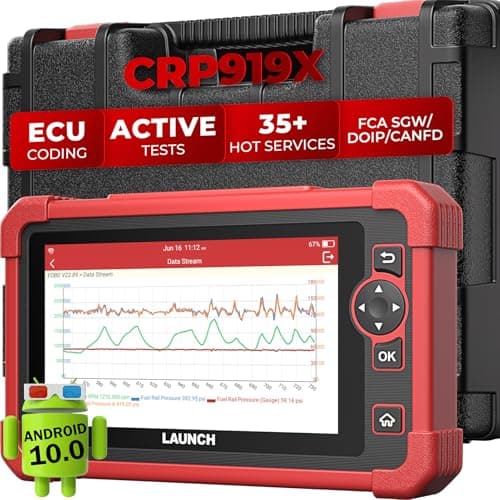
X431 CRP919X: wired coding tool with 4000+ tests
 See price on AmazonAmazon
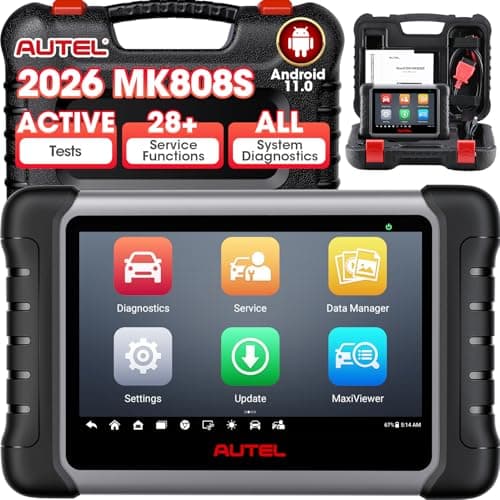
MaxiCOM MK808S: bidirectional, 28+ services
From Best Autel scanners: which MaxiDiag, MaxiCOM, MaxiCheck or MaxiSys to buy